Open it
Hold the wallet with the lever at the bottom. Push the lever with your thumb and your cards slide up and fan out, so you can see every one at a glance.
Carry what matters.
Everyday carry essentials, made simple. First up: the Pop-Up Wallet.
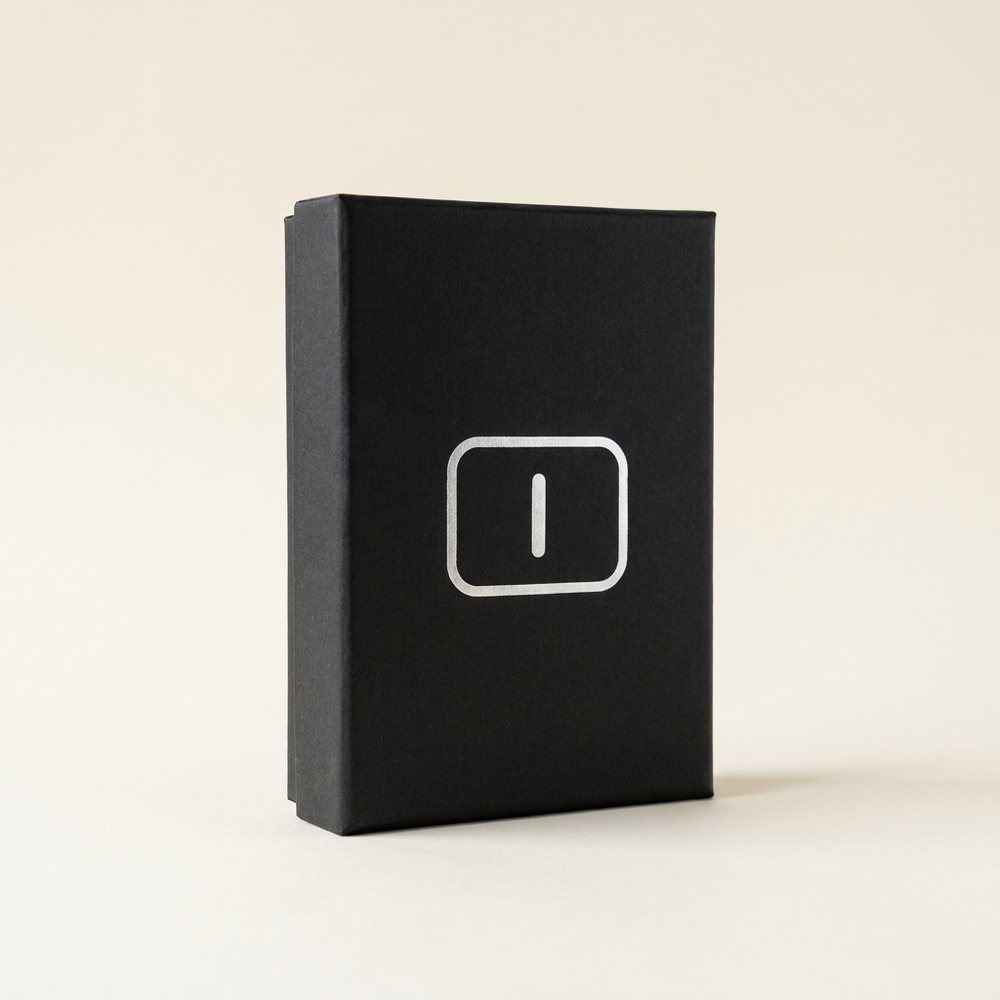
Essential No. 01 · The Pop-Up Wallet
A pop-up card holder in matte black aluminum. Push the lever and your cards fan out, ready to grab. Nothing else to fold or dig through.
More INLET essentials are on the way.
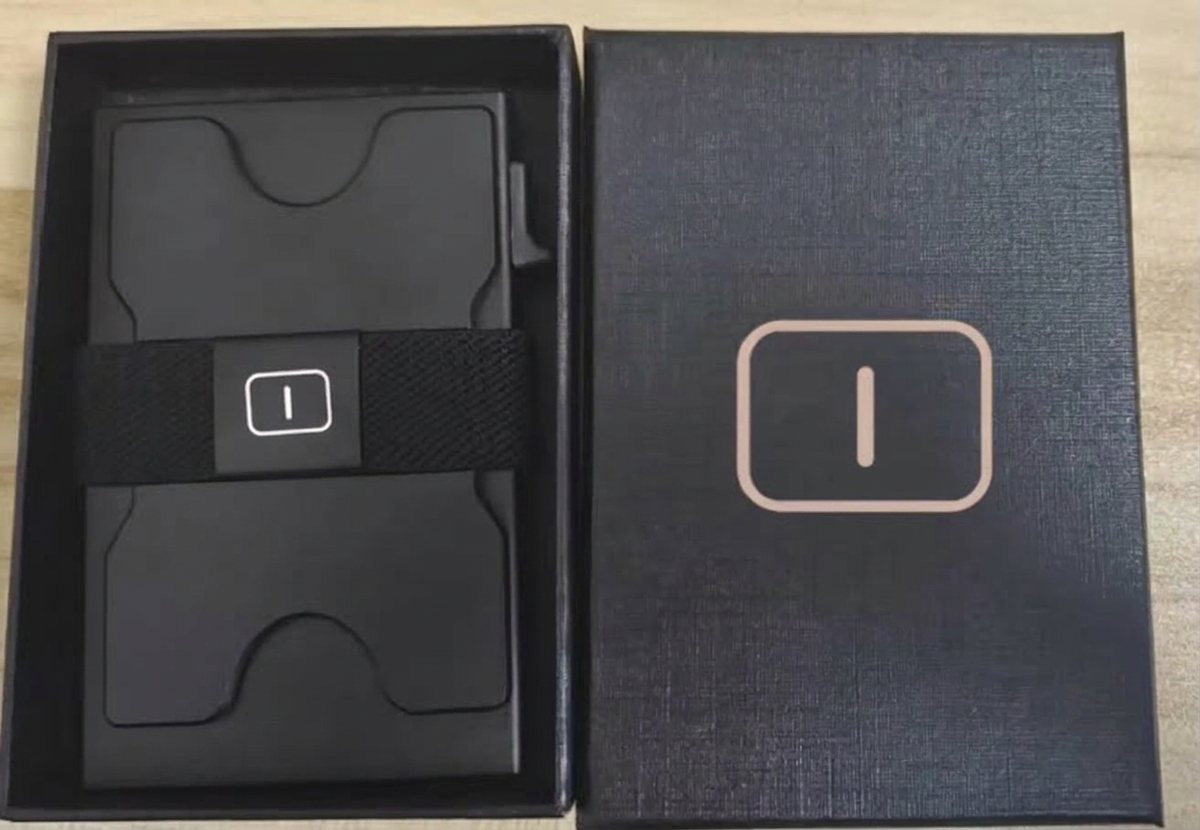
In the box
Scan the QR on the white side anytime to come back to your guide.
Your guide
Push, fan out, grab. Here’s everything else in a minute.
Hold the wallet with the lever at the bottom. Push the lever with your thumb and your cards slide up and fan out, so you can see every one at a glance.
Press the fanned cards gently back down with your fingertip until they sit flush inside the case.
Slide cards into the top opening one by one, all facing the same way. Put the card you use most at the front so it pops up first.
The elastic band on the back holds extra cards, a few folded bills or a receipt. Slip them under the band flat.
Fit tip
Fill the case until the cards slide in smoothly. If you have to force the last card, leave it out. Raised-number (embossed) cards take more room than flat ones, so mix them in. If the pop-up feels stiff or won’t fan out fully, take one card out and try again.
Your everyday cards fit in the pop-up case, and the band carries extras. It depends on how thick your cards are, so go by the fit tip above: if a card won’t slide in easily, the case is full.
The case is made of aluminum, a material commonly used in RFID-blocking wallets to help shield cards stored inside. To tap and pay, pop the card out first. Cards under the elastic band sit outside the case.
The case is probably too full or holding a thick card. Remove one card and push the lever again.
Sure, or swap it for one of your own cards. Keep it somewhere handy since it brings you back to this guide.
Email us at inletcarry@gmail.com and we’ll sort it out with you directly.
Corporate gifts
Your company logo engraved on every INLET wallet, packed in the INLET gift box. For your team, your clients, or your next event.
A small favor
It takes a minute and helps a small brand grow.
Leave a reviewAs a thank you, use code
INLET10
on your next order.
Contact
Email us about your wallet, an order or a team gift.
inletcarry@gmail.com Follow us on Instagram